






What is the main quality of a good translator?
-The accuracy of the translation?
-Speed?
-Number of languages?
-And maybe the main thing is that he was always at hand?
We believe that a good translator should have all these qualities!
Translation accuracy is guaranteed by the presence of three reputable dictionaries - Google, Microsoft and Yandex. The resources of three Internet giants at once are packed into a pleasant interface and provide you with a translation in just one click.
The translation speed is the highest possible thanks to the use of the API. This means that your text is transmitted directly to the servers of Google, Yandex or Microsoft, and you receive a translation in the shortest possible time.
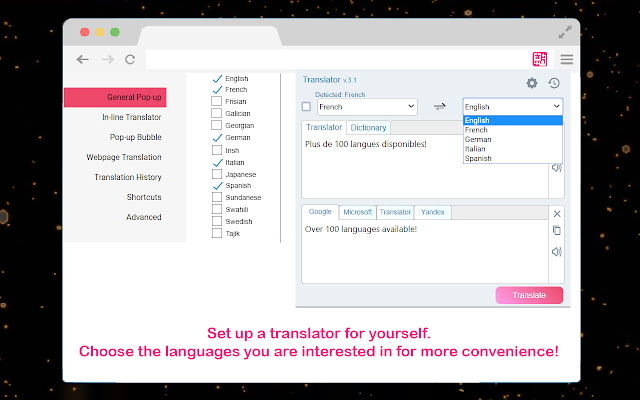
The number of languages will delight even the most inveterate polyglot, because there are more than a hundred of them!
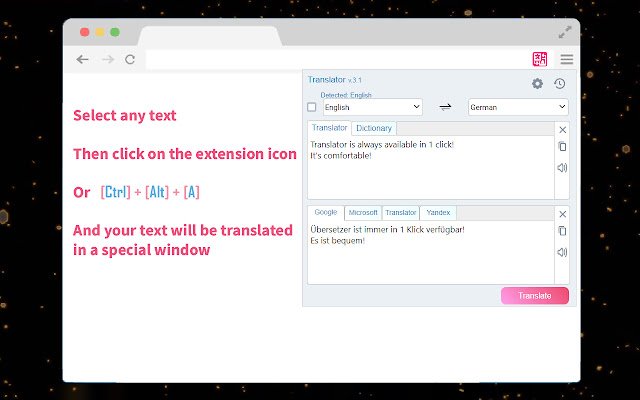
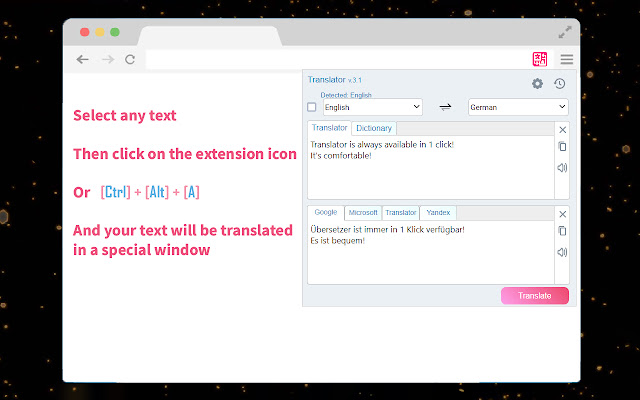
And, of course, availability. What could be easier than clicking on the extension's icon, or pressing a combination of two keys?
We made a translator for ourselves, and this text has been translated into dozens of languages with its help. This means that we tried to make it as convenient as possible.
Several convenient functions are at your disposal:
-Translate the entire page through the context menu (right-click in any area of the page and select "Translate this page")
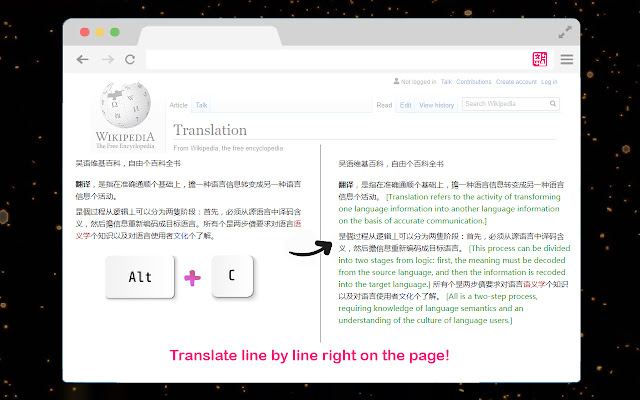
-Translation of a separate section of text in a separate window, or directly on the page. (press Alt + C or through the context menu)
-Translation of a single word, with the search for synonyms is a very handy thing!
-Do not want to memorize new keyboard shortcuts? no problem. Just select the text on the page and click on the extension icon. The text will be automatically copied and translated.
We decided that over a hundred languages is good. But, you see, sometimes this is even too much. Don't worry, in the settings you can only select the languages you want, and the rest will be hidden from the selection menu.
We want to pay special attention to the pop-up icon. This is such an icon that appears when you select text, so that it is more convenient for you to translate it, and not to reach for the extension button. Here our opinion was divided. Part of the team decided that this was a very convenient feature, but for others, this icon only got in the way. Therefore, you can simply turn it off. Click on the gear in the translator and the settings will open. Then on the left, select "Pop-up Bubble", and uncheck the box next to "Enable Pop-up Bubble". Done!
We sincerely hope that you will be happy with using our translator!
Extore is a team of professionals who are passionate about creating extensions for web browsers. This devotion also gives us opportunity to appreciate work of other people. We get inspired by useful, open source extensions made by developers all over the world. Our strong belief is that one should share helpful add-ons with others. That’s why we’d like to present you our ever-growing list of favourite extensions that have inspired us. Moreover, as you probably have already learned, sometimes struggling for the best brings an end to the good. Talking about add-ons it often turns out that an upgrade is worse then previous version. Also it can become really tricky to get back to the beloved version of your favourite extension. That’s why we’re going to make not only the latest, but all versions of our favourite (and we hope yours too) add-ons available for download. No more compromises, just stick to the version you really like!
 Preparing download link, please wait for seconds
Almost done...
Click to download
Error getting file. Please try again
Preparing download link, please wait for seconds
Almost done...
Click to download
Error getting file. Please try again







