

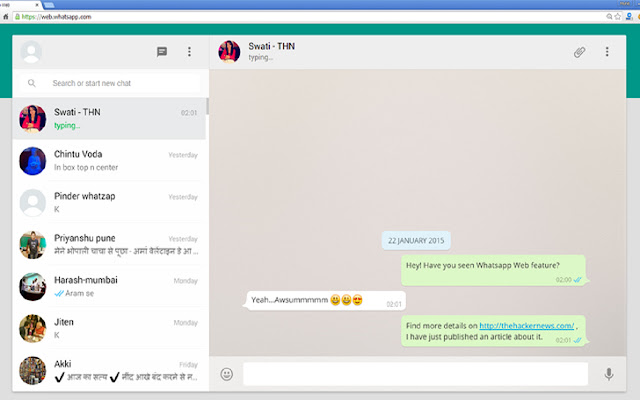

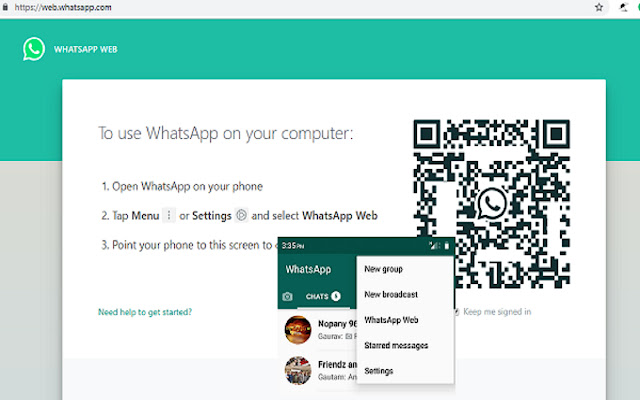
We seem to be more connected more than ever with the way smartphones and mobile apps has made everything so accessible. From the time when Whats App Incorporated introduced Whats App messenger, we think we found the best form of unlimited call and text within the application. It’s highly practical because were able to enjoy these features with only an Internet connection required. Needless to say, we can talk endlessly over video calls, voice and send messages anywhere. Friends, families, co-workers and almost everyone we know already use the app.
How to Download WhatsApp for your PC:
Step 1: Download the android emulator software Andy and it is available for free. Click here to download: Download
Step 2: Start the installation of Andy by clicking on the installer file you downloaded.
Step 3: When the software is ready to be used, start it and complete the sign up procedure and login with Google Play account.
Step 4: Start Google play store app and use its search tool to search WhatsApp download.
Step 5: Find Whats App and start the installation.
Step 6: Launch the game and you can now play Whats App on pc using a mouse or your keyboard and even your touchscreen, you can use the control button to emulate the pinch function to zoom in and out.
Step 7: You can also install remote control app form here for remotely accessing the game: Andy remote control app
Support: we maintain an online real-time Facebook support group if you have any issues with Andy OS installation process, you can use this link to access the group: support
Extore is a team of professionals who are passionate about creating extensions for web browsers. This devotion also gives us opportunity to appreciate work of other people. We get inspired by useful, open source extensions made by developers all over the world. Our strong belief is that one should share helpful add-ons with others. That’s why we’d like to present you our ever-growing list of favourite extensions that have inspired us. Moreover, as you probably have already learned, sometimes struggling for the best brings an end to the good. Talking about add-ons it often turns out that an upgrade is worse then previous version. Also it can become really tricky to get back to the beloved version of your favourite extension. That’s why we’re going to make not only the latest, but all versions of our favourite (and we hope yours too) add-ons available for download. No more compromises, just stick to the version you really like!
 Preparing download link, please wait for seconds
Almost done...
Click to download
Error getting file. Please try again
Preparing download link, please wait for seconds
Almost done...
Click to download
Error getting file. Please try again







