

version 3.3 - Download ZIP file
version 3.2 - Download ZIP file
version 3.1 - Download ZIP file
Image Autosizer provides control over how image files are displayed in the browser window.
Features:
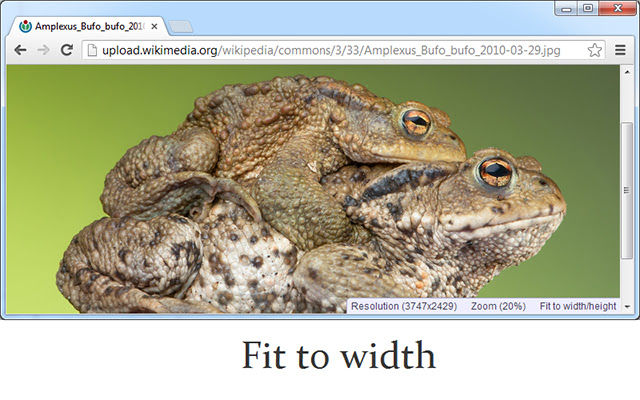
- Several display modes, changing how the image scales to the window
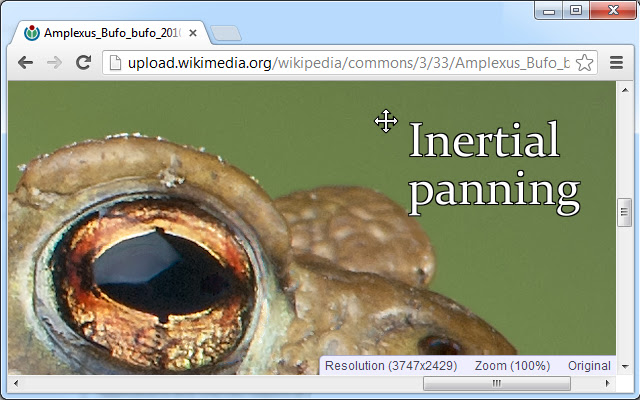
- Smooth/inertial panning
- Custom background color
- Optional checkerboard-background
- Option to close image on long mouse press
Usage:
- First, open up an image file
- Click image to toggle the size
- Double click to fill image to window
- Press 'c' to temporarily change background color
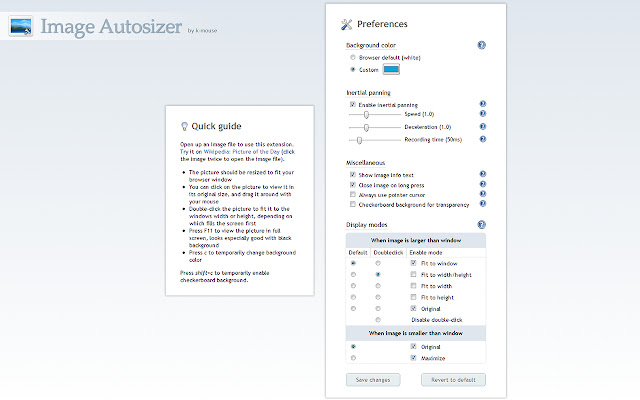
There is a quick guide in the preferences with some additional details.
This extension was originally developed for Opera and is now finally available for Chrome! Chrome is quite limited in terms of viewing images, so this extension provides much-needed features for this purpose and should make your browsing experience more comfortable.
All feedback is appreciated. Many of your suggestions have been implemented in previous versions so keep them coming. I do this for free on my spare time, your response now and then helps motivate me, thanks!
Q & A
========
Q: This extension does not work!
A: Go to the extension's preferences and read through the quick guide. If it doesn't work only on certain pages, make sure you have enabled the extension for secure pages if you are surfing on one. Also remember that this extension only takes effect if an image file is opened. It does not do anything to images located inside an html-document.
Extore is a team of professionals who are passionate about creating extensions for web browsers. This devotion also gives us opportunity to appreciate work of other people. We get inspired by useful, open source extensions made by developers all over the world. Our strong belief is that one should share helpful add-ons with others. That’s why we’d like to present you our ever-growing list of favourite extensions that have inspired us. Moreover, as you probably have already learned, sometimes struggling for the best brings an end to the good. Talking about add-ons it often turns out that an upgrade is worse then previous version. Also it can become really tricky to get back to the beloved version of your favourite extension. That’s why we’re going to make not only the latest, but all versions of our favourite (and we hope yours too) add-ons available for download. No more compromises, just stick to the version you really like!
 Preparing download link, please wait for seconds
Almost done...
Click to download
Error getting file. Please try again
Preparing download link, please wait for seconds
Almost done...
Click to download
Error getting file. Please try again







