

Tired from refreshing your css? Project loading takes more, than changing css? Using SASS and want to reload file without real refresh? ProtoTool to the rescue!
1. Auto reloads your CSS/SCSS files
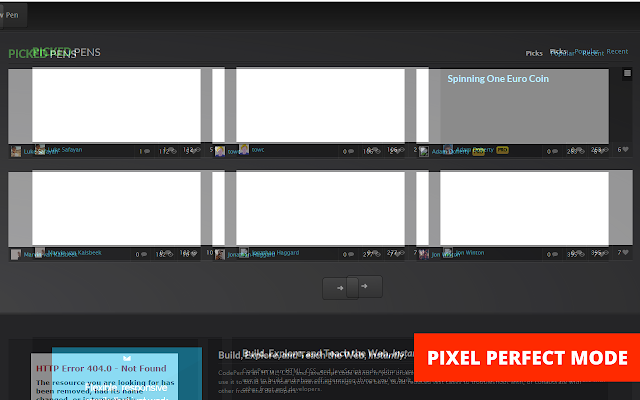
2. Create pixel perfect layouts with "Pixel perfect mode"
3. Media query view
4. Grid line toggling (under development)
5. Difference mode
IMPORTANT notes:
1. By default plugin works on every page, then dev tools are turned on and docked to the RIGHT of the screen. If developer tools are docked to bottom - css will re-render only after mouseenter.
2. RECOMMENDED way to reload your css is:
a) go to chrome extensions, choose ProtoTool extension options: http://prntscr.com/4tnwz4
b) You will see dialog, where you have to enter your domain string. Let's say you have http://localhost.com, so you will have to enter localhost.com ONLY. Press Save options and thats it! http://prntscr.com/4tny5m . Remove options will remove WHOLE list of domains. In future versions, extension will have option to remove items by one.
3. PIXEL PERFECT MODE. This is example of what you will achieve with this mode: http://prntscr.com/4tobkq (image is pushed to see difference)
a) copy website screenshot to your specific project directory (let's say you have website design saved in file "1.png", placed in "/mockups" folder relatively to project). Press SHIFT + 1, you will see control panel: http://prntscr.com/4to1ci
b) URL in prototype is relative URL in project, where you want to add your mockup overlay. "File path" is an mockup url, which will overlay your website. Let say, you have "http://proto.test/contact-us.html" and you want to overlay with image "http://proto.test/mockups/1.png", so your "URL in prototype" will be "/contact-us.html" (it's case sensitive) and "File path" will be "/mockups/1.png", then press "Assign URL with file". Refresh and press SHIFT + 1, wou will see overlay attached to your page. You can drag your image with mouse. Press "-" or "+" if you want to increase or decrease opacity while holding SHIFT button. SHIFT + 2 will enter difference mode.
If you have any feedback or questions - please email me:
Email: [email protected]
LinkedIn profile: https://www.linkedin.com/pub/vaclovas-vi%C4%8Dius/23/83b/822
Extore is a team of professionals who are passionate about creating extensions for web browsers. This devotion also gives us opportunity to appreciate work of other people. We get inspired by useful, open source extensions made by developers all over the world. Our strong belief is that one should share helpful add-ons with others. That’s why we’d like to present you our ever-growing list of favourite extensions that have inspired us. Moreover, as you probably have already learned, sometimes struggling for the best brings an end to the good. Talking about add-ons it often turns out that an upgrade is worse then previous version. Also it can become really tricky to get back to the beloved version of your favourite extension. That’s why we’re going to make not only the latest, but all versions of our favourite (and we hope yours too) add-ons available for download. No more compromises, just stick to the version you really like!
 Preparing download link, please wait for seconds
Almost done...
Click to download
Error getting file. Please try again
Preparing download link, please wait for seconds
Almost done...
Click to download
Error getting file. Please try again







