
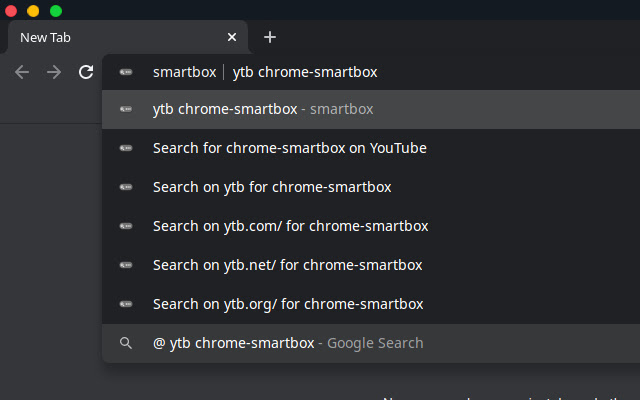
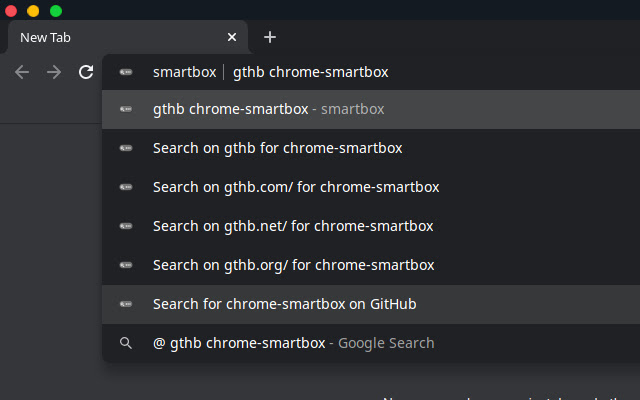
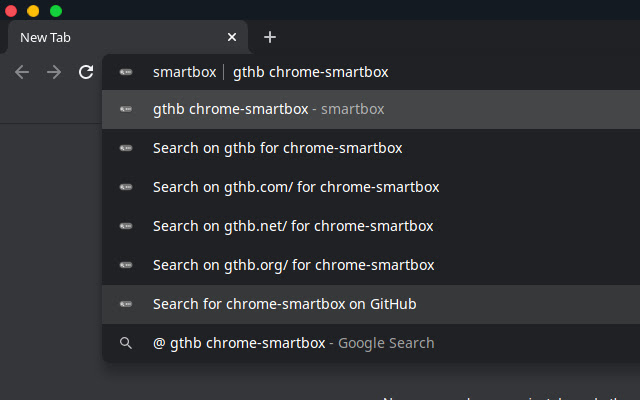
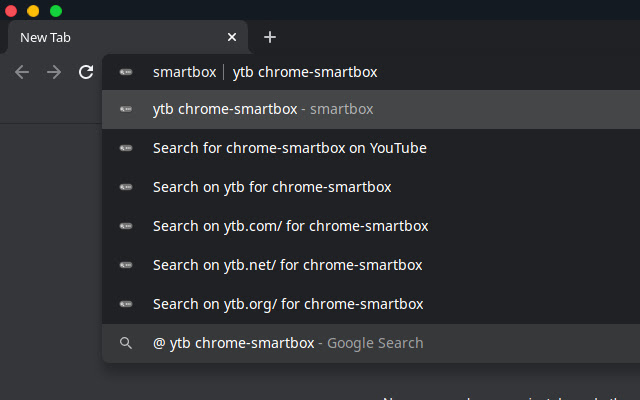
Searching wouldn't be much simpler...
Browsers are limiting you to use one search engine at a time. With this extension, you're extending your capabilities. You can use any search engine you want, search for anything... You have the ultimate freedom.
Wanted to search quicker than ever? Definitely this extension is for you. It'll be worth it.
Spend less time while changing your search engine...
What this extension offers:
- quick search,
- saving time,
- customization,
- simple usage... and much more...
How can I use it?
It's really simple. It has 2 main parts. First one is focus on the address bar. The second part is really simple, type what you wanna search.
For the first part, I am using keyboard shortcut (cmd/ctrl+L) on the video which immediately focuses to chrome's address bar. Or you can just click to address bar.
For the second part, type "@" in address bar. You should see something relevant to this extension left-side on the address bar. Then press "tab" key. We'll mention this part as "smartbox tools page".
How can I search?
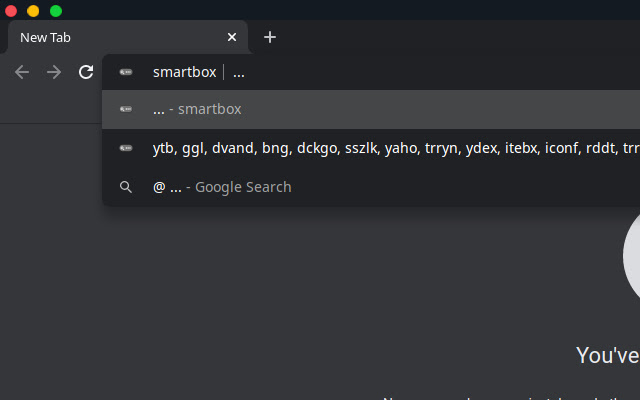
For accessing all the available search engines, after you've entered smartbox tools page, type just "." (dot). You should see a list of suggestions. For example, "Search on <site> (<Site Name>)".
For listing in a comma separated list, you need to type 3 dots instead of just one dot, e.g. "...".
You can add, delete a search engine from the list of all available search engines. Or you can import, export the list.
For Advanced Usage/Users:
* Export the list of available search engines
* Import the list of available search engines
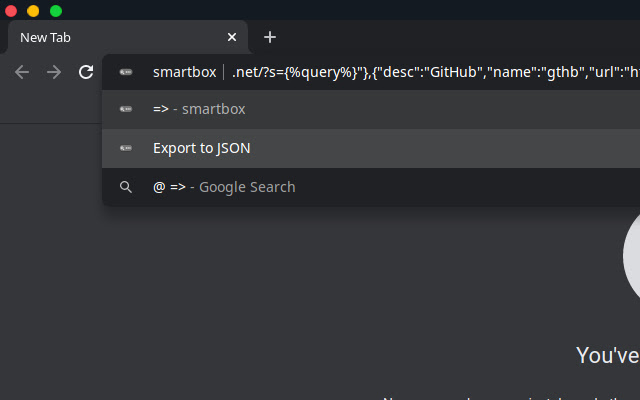
For exporting the list after entered the smartbox tools page, type "=>". Then you should see "Export as JSON", move down to there and you should see a JSON data, select all of it. This is exported data you want and customize.
For importing the list after entered the smartbox tools page, type "<= <JSON DATA>". Replace "<JSON DATA>" with JSON data you want to replace...
v4.7 Changes:
* Fixed problems in the searching algorithm...
For demo video:
https://youtu.be/1yYbrPPGt6k
For more information see the link below:
https://github.com/atahabaki/chrome-smartbox
You can contact me via:
Instagram: https://www.instagram.com/atahabaki/
Reddit: https://www.reddit.com/u/atahabaki
GitHub: https://github.com/atahabaki
Extore is a team of professionals who are passionate about creating extensions for web browsers. This devotion also gives us opportunity to appreciate work of other people. We get inspired by useful, open source extensions made by developers all over the world. Our strong belief is that one should share helpful add-ons with others. That’s why we’d like to present you our ever-growing list of favourite extensions that have inspired us. Moreover, as you probably have already learned, sometimes struggling for the best brings an end to the good. Talking about add-ons it often turns out that an upgrade is worse then previous version. Also it can become really tricky to get back to the beloved version of your favourite extension. That’s why we’re going to make not only the latest, but all versions of our favourite (and we hope yours too) add-ons available for download. No more compromises, just stick to the version you really like!
 Preparing download link, please wait for seconds
Almost done...
Click to download
Error getting file. Please try again
Preparing download link, please wait for seconds
Almost done...
Click to download
Error getting file. Please try again







